Nestiy organises your groceries into groups, watches your stock levels, and steps in with AI-powered price comparisons right when you're about to buy.
Keep "Fresh Food", "Pantry", or any group you create separate, each with its own items, photos, and item IDs for fast searching. Every item shows its live stock against the limit you set.
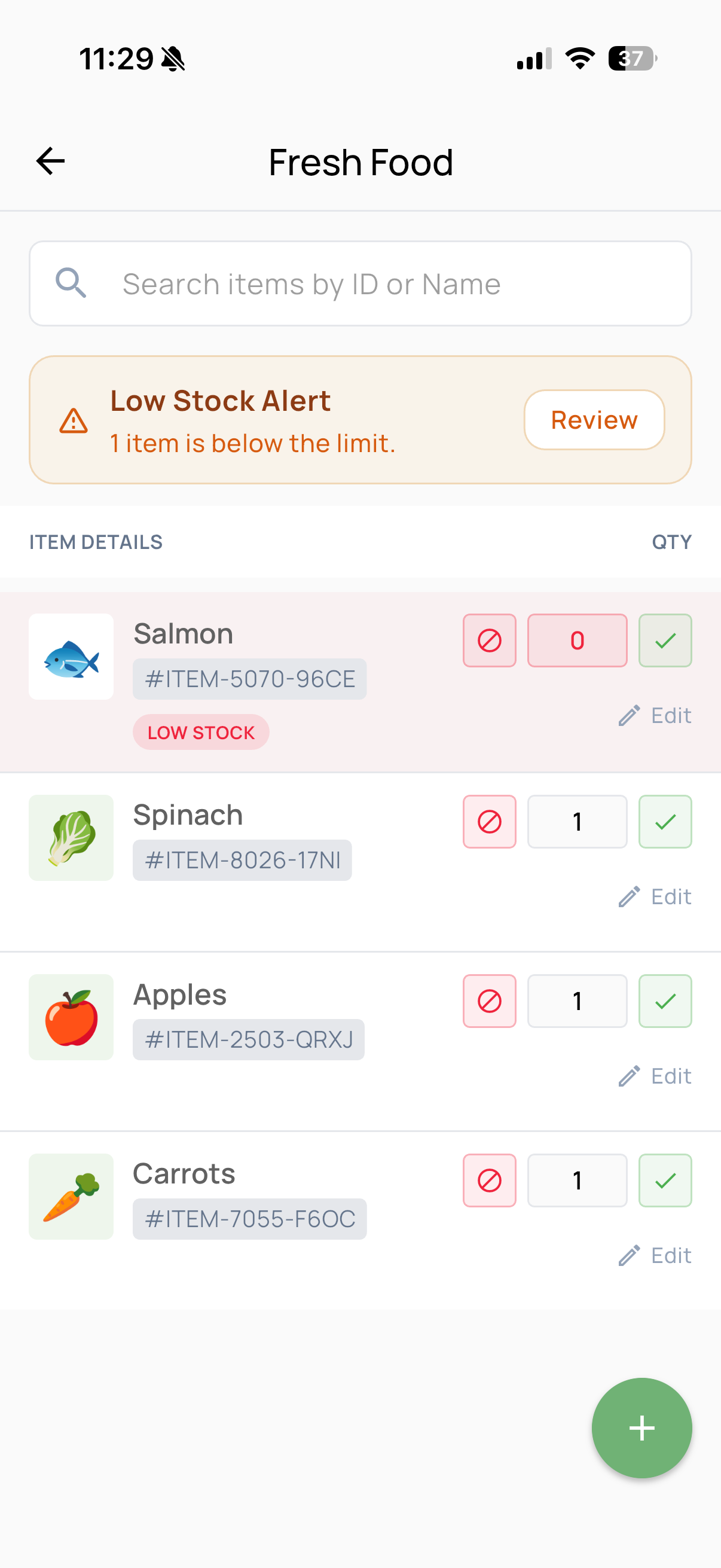
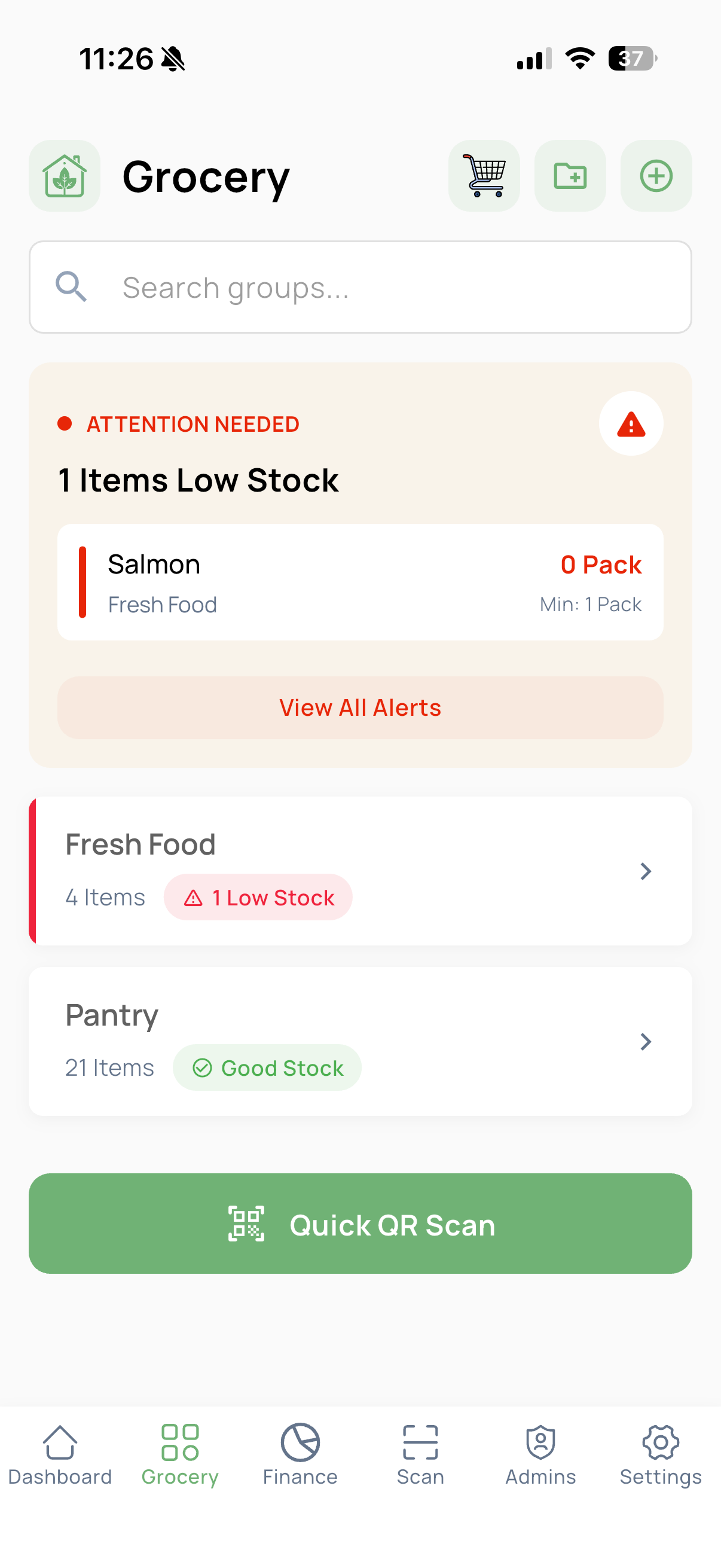
Set a minimum limit per item — a pack of salmon, a bottle of juice — and Nestiy flags it the moment stock dips below that number, both on the item itself and on your dashboard.
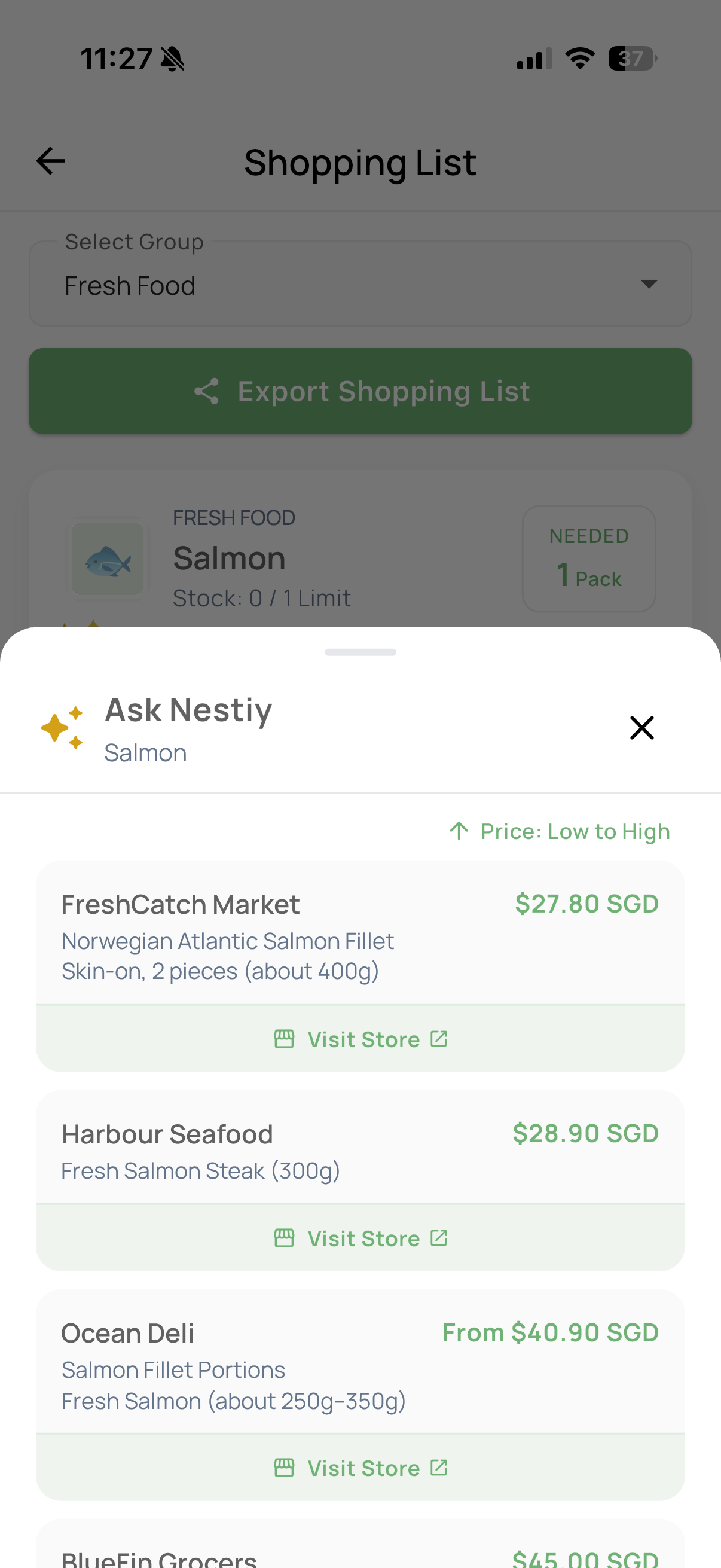
Tap "Ask Nestiy" on any low-stock item and get a ranked, price-sorted list of where to buy it — from wet market stalls to online grocers — with a direct link to visit the store.
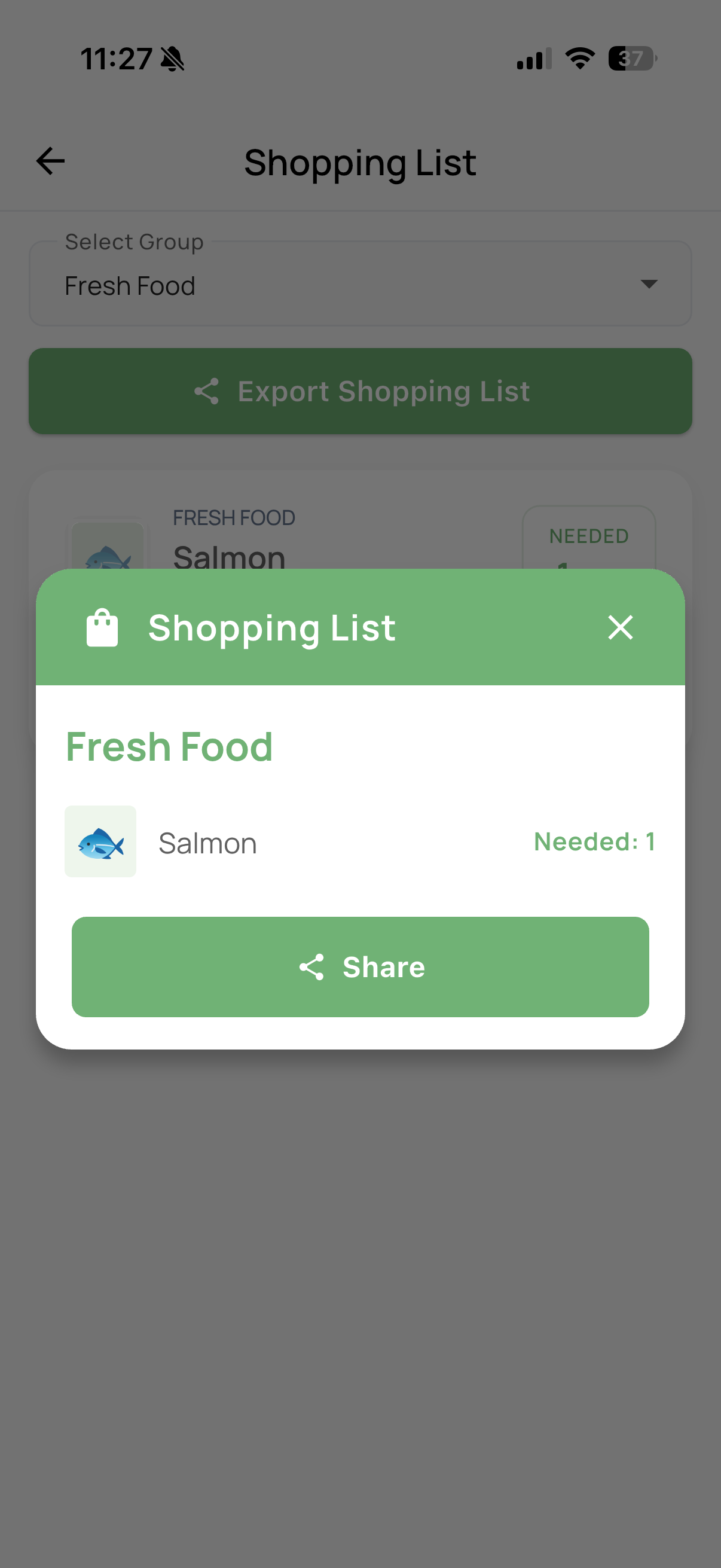
Nestiy automatically builds a shopping list from whatever's running low, grouped the same way your pantry is. Share it as a checklist with anyone doing the actual shopping, and mark items "Shopped" as they come home.
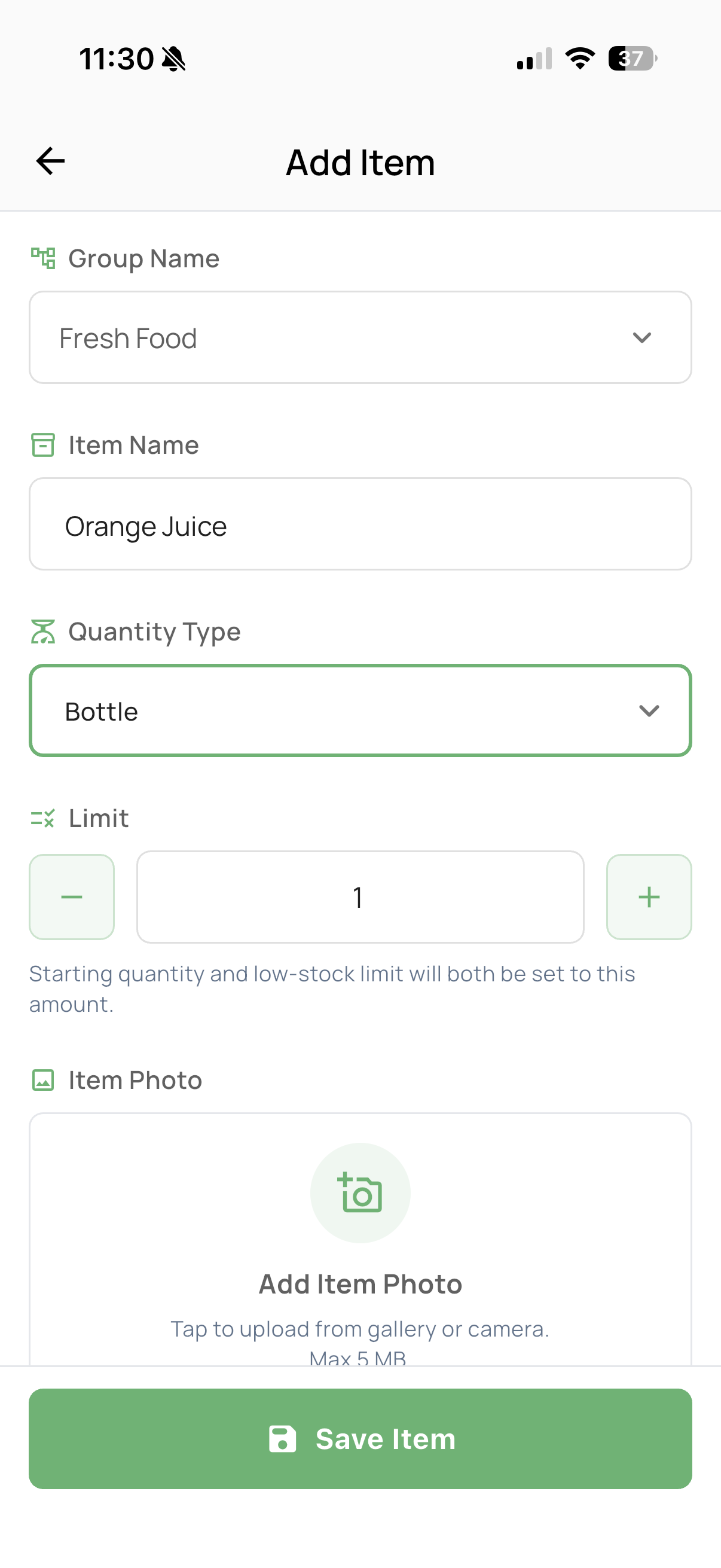
Name it, choose a group, pick a quantity type — bottle, pack, box, or your own — set a starting limit, and add a photo so the item is recognisable at a glance across every list it appears on.
How a typical low-stock item moves through Nestiy.
An item crosses the minimum you set and gets flagged on your group and dashboard.
Tap Ask Nestiy to see live prices from multiple stores, sorted low to high.
The item lands on your shopping list automatically, grouped by category.
Mark it "Shopped" and your stock count updates, closing the loop.
Set up your first grocery group in under two minutes.
